
XSweep
a menu bar app that closes everything you have open in one click, and tells you how much memory you just got back.
curl -fsSL https://xstral.com/xsweep.sh | bash
builds on your mac in a few seconds. no password needed.
what it does
macos has no button that closes everything. quitting eleven apps by hand is eleven trips to the menu bar, and you still forget two.
everything, one click
one button quits every open app. it’s a normal quit, so anything with unsaved work still gets to ask you first. nothing gets thrown away behind your back.
what it’s costing you
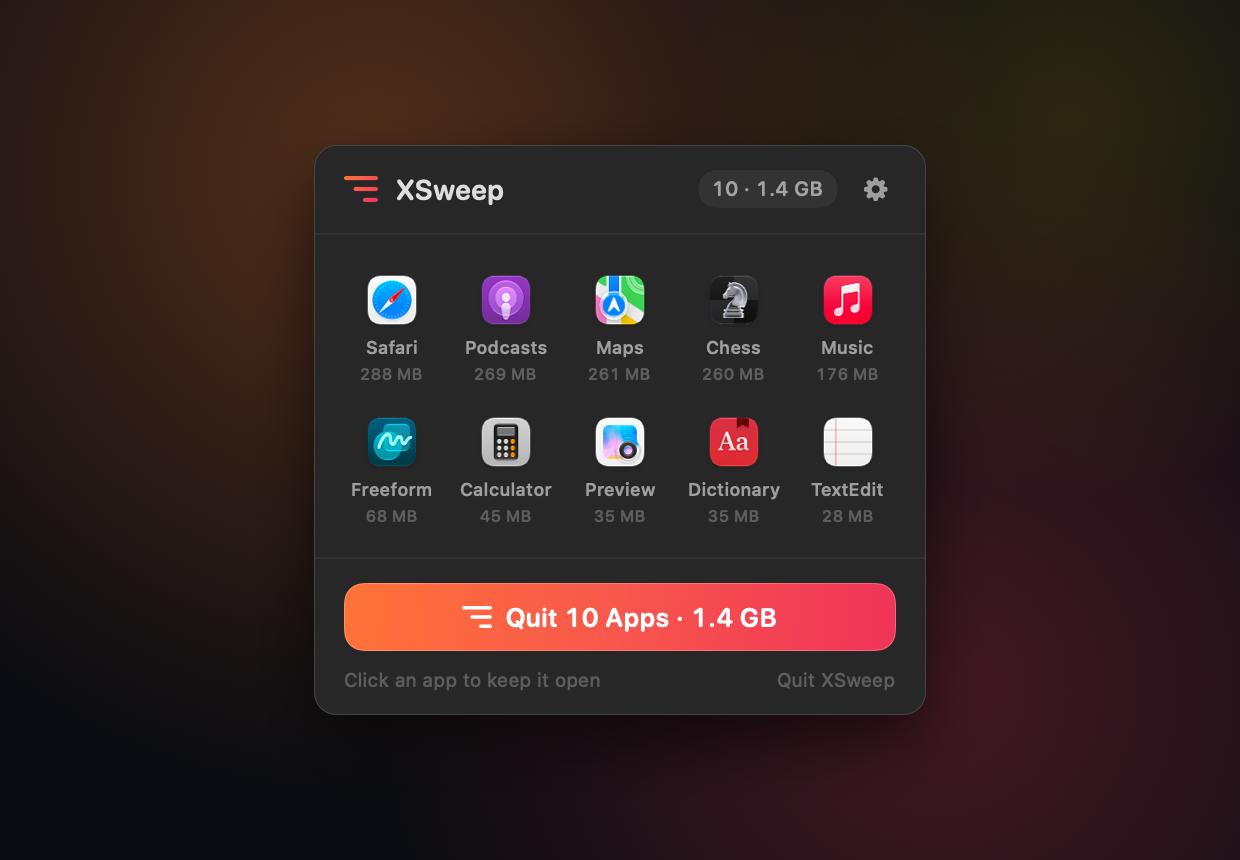
every app shows the memory it’s actually using, heaviest first. that includes all its hidden helper processes, so a browser shows 1.3 gb instead of the 160 mb it likes to pretend.
keep what you want
click an app’s icon and it’s spared, now and every time after. your music keeps playing and your editor stays open while the other twelve close.
deals with the stubborn ones
apps that ignore the quit get named, not quietly skipped. bring them forward to answer their save dialog, ask again, or force them closed. your call, it never does that on its own.
undo the whole thing
closed the wrong stuff? reopen brings back everything that sweep just closed, in one click, as long as the panel’s still open.
never touch the menu bar
a global shortcut sweeps from anywhere, and option-clicking the icon skips the panel completely. it can launch at login and show a live count next to the icon.
how it got here
one version so far. it quits apps, there isn’t much more to say yet.
version 1.0 first release
built in an afternoon cause macos still can’t close everything at once. the first version fired off all the quits and said “done” half a second later, which looked broken, cause apps take longer than that to actually close. now it waits for each one, names the ones that won’t leave, and tells you what you got back.
why a command and not a download
macos puts a com.apple.quarantine flag on anything a browser
downloads. then gatekeeper refuses to open it unless it’s signed with a
paid apple developer id and notarized by apple. on apple silicon the message
even says “the app is damaged and can’t be opened”,
which is scary and just not true.
command line tools don’t set that flag, and something built on your own mac was never downloaded in the first place. so there’s nothing to quarantine and nothing to warn you about.
to be clear though: this doesn’t make XSweep
verified, it just means macos stops asking. piping a script into a
shell is also how a lot of malware gets in. that’s why this one downloads
readable source instead of a binary, checks it against a published sha-256,
and never asks for sudo. read it first if you want:
curl -fsSL https://xstral.com/xsweep.sh | less
other ways to install
the installer takes options, and you can always build it yourself.
# install somewhere else, and don't open it after
curl -fsSL https://xstral.com/xsweep.sh | bash -s -- --to ~/Applications --no-launch

# or build it yourself
curl -fsSL https://xstral.com/xsweep-1.0.tar.gz | tar -xz
cd xsweep-1.0 && ./build.sh
building needs the xcode command line tools (xcode-select --install), nothing else.