xstral · mac apps by noto
small mac apps i made cause i needed them.
they live in your menu bar and each one does one job. no account, nothing to pay, nothing to subscribe to. you paste one command and it builds on your own mac, from code you can read first.
↑ psst. the icons in the bar up top work, go click them.
 xsweep v1.0
closes every app you have open. in one click.
macos still doesn’t have a button for this, which is kinda wild. quitting ten apps by hand is ten trips to the menu bar and you still forget two of them. xsweep shows what each app is eating in memory, closes all of them, and tells you how much you got back.
click an app to keep it open. anything with unsaved work still gets to ask you first, so nothing gets thrown away behind your back.
curl -fsSL https://xstral.com/xsweep.sh | bash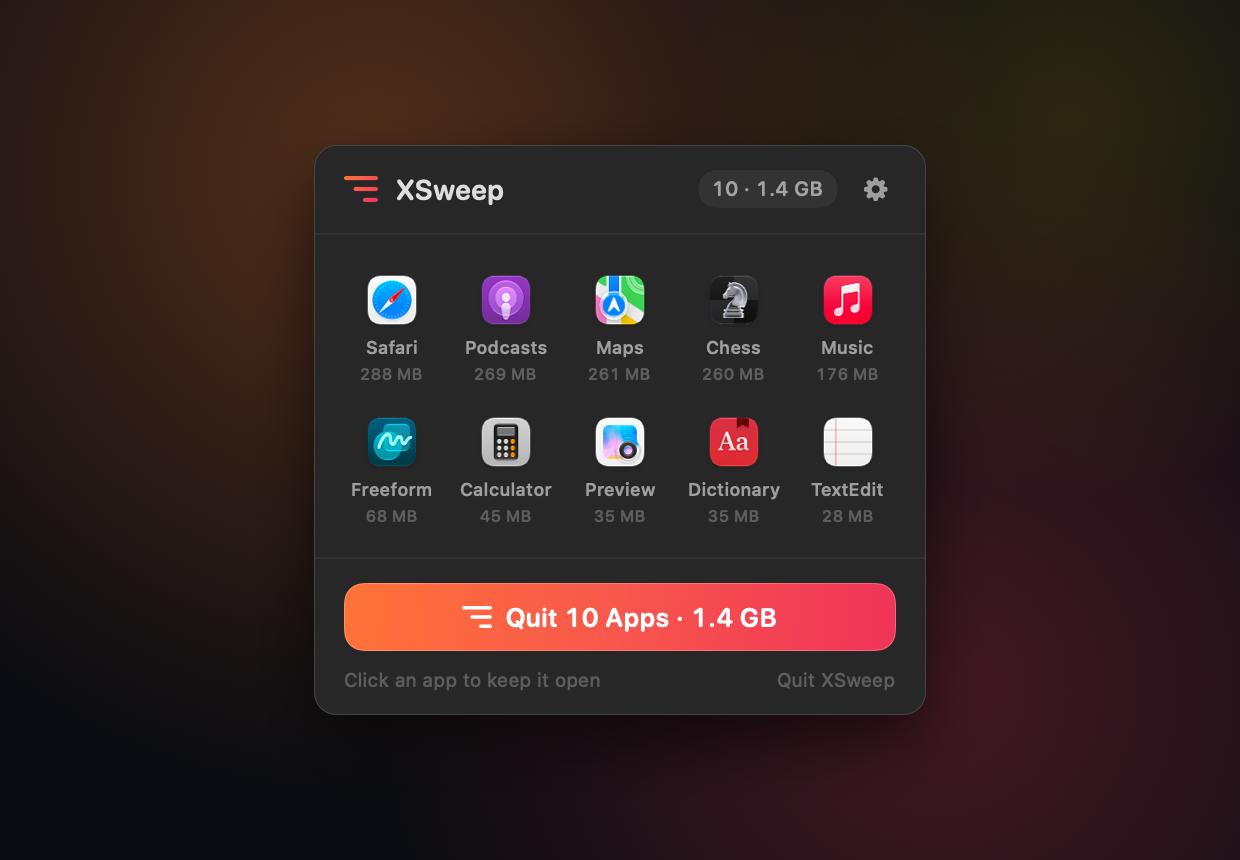
 xwatch v2.1
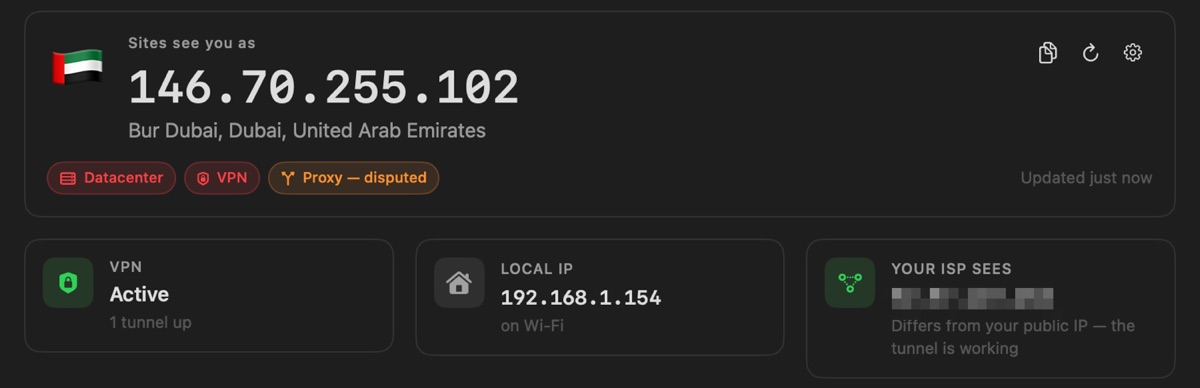
what the internet actually thinks your ip is.
the first version of this was called ipwatch, and it trusted one source and got it wrong half the time. it once called a datacenter vpn “residential” with full confidence. so i rebuilt it. now it asks four services at once, and when they disagree it just says disputed instead of picking one.
it also checks the address your isp sees, so you can tell if your vpn is actually doing anything or just vibing.
curl -fsSL https://xstral.com/xwatch.sh | bashwhy a command and not a download?
if you download an app in a browser and it isn’t signed with a paid apple developer id, macos tells you it’s “damaged and can’t be opened”. it isn’t damaged, it just isn’t signed, and signing costs $99 a year. stuff you build on your own mac never gets that flag. so the installer grabs the source, checks it against a published sha-256, builds it, and never asks for your password.
that doesn’t make it verified, it just means macos stops asking. piping scripts into bash is also how a lot of malware gets in, so if you’re careful (you should be), read it first:
curl -fsSL https://xstral.com/xsweep.sh | less
needs macos 13 or newer. works on apple silicon and intel.